Mission 2: Tokyo Express / Japan / April, 1944
Objective: Sink the fleet carrier "Nogottonomojo" in Tokyo Harbor
Briefing and mission download: Scroll down
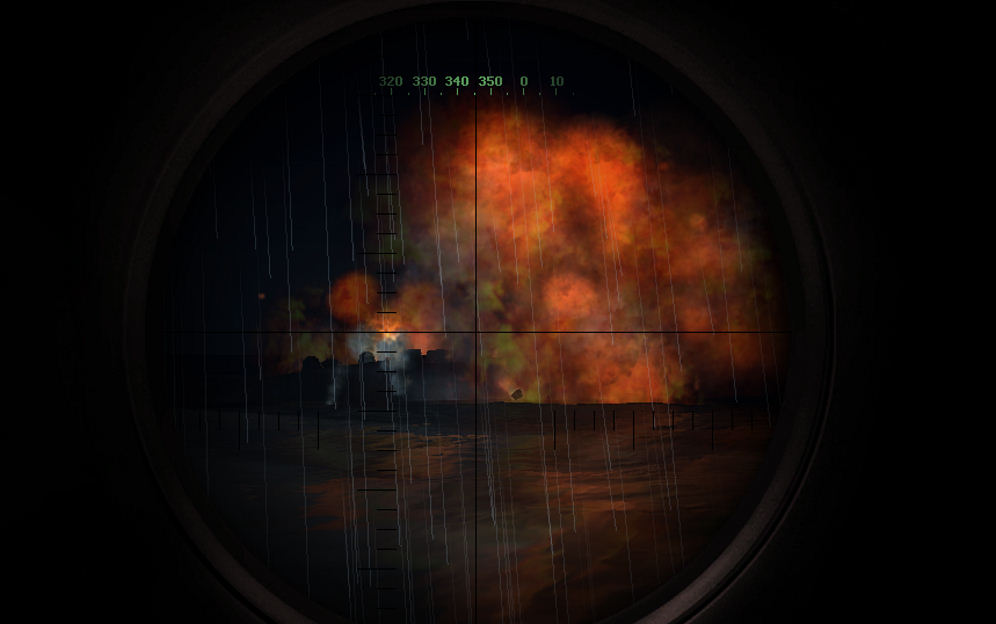
Picture: The "Nogottonomojo" bites the dust, caught in dock with a full load of Kamikazes
Time: 0230, Weather: Very stormy, heavy rain and wind.
|
The "Haddock" is executing a mission of exceptional daring and
importance. Under cover of darkness and very bad weather you are already in
Tokyo Bay where your waypoints will lead you to the inner docks. There you must
find and destroy the fleet carrier "Nogottonomojo" before it departs for the
Philippines with its deadly load of Yokosuka MXY7 "Ohka" kamikaze aircraft. Your
pre-emptive strike is intended to buy time for Allied forces preparing to fend
off re-capture of the Philippines. It is also felt a strike like this, in the
heart of Japan, may hasten demoralization of the IJN and give the Samurai
suicide pilots second thoughts about the merits of their insane commitment to
the Empire. |
| Mission Design:
Captain J. Hazelwood (who can sometimes be found in the
subsim Forum) Version: 1.0 (2007/04) Properties: Difficult and demanding of seamanship. Exciting. Good atmosphere. Egress is problematic owing to shallow water and numerous enemy warships. Somewhat long mission. Tips: Make sure your crew is at battle-stations. The mouth of the bay mined. You can dodge the mines using external (i.e. cheating) or periscope views or ... watch for the narrow passage being used by commercial traffic and and fishing boats. Monitor battery levels carefully. Some surface travel will prove essential. Plan your route through deepest water even if this will take longer. Web Site: http://www.wolfwillow.com/nu/westwind/Simulation_Gaming/SHIV/index.html Feedback: jhazelwood@shaw.ca |
|
Mission Download and Installation To download this mission, click here to obtain an ordinary ZIP file which you can extract yourself (WinXP will do it automatically). Be sure to specify a destination directory named \SM13 Tokyo Express on some suitable drive. Modify this folder specification to point to a valid disk drive. For example, you might modify the string to look like C:\SM13 Tokyo Express. The process provides a clear opportunity to enter this information. When extraction is completed, copy or move the extracted folder and its contents to C:\Program Files\Ubisoft\Silent Hunter 4 Wolves of the Pacific\Data\SingleMissions (it is assumed you used the default installation location for Silent Hunter. If you used something else, modify the destination accordingly). You may rename the folder either before or after copying to anything you want but remember, you must also rename the two files in the folder so that the part of the name to the left of the extensions (.mis and .tsr) is identical to the folder name. If you don't, the simulation will not be able to find the mission. The mission will appear in your "Quick Missions" game menu as "Tokyo Express". |